4 August 2026 · Updated 21 October 2026

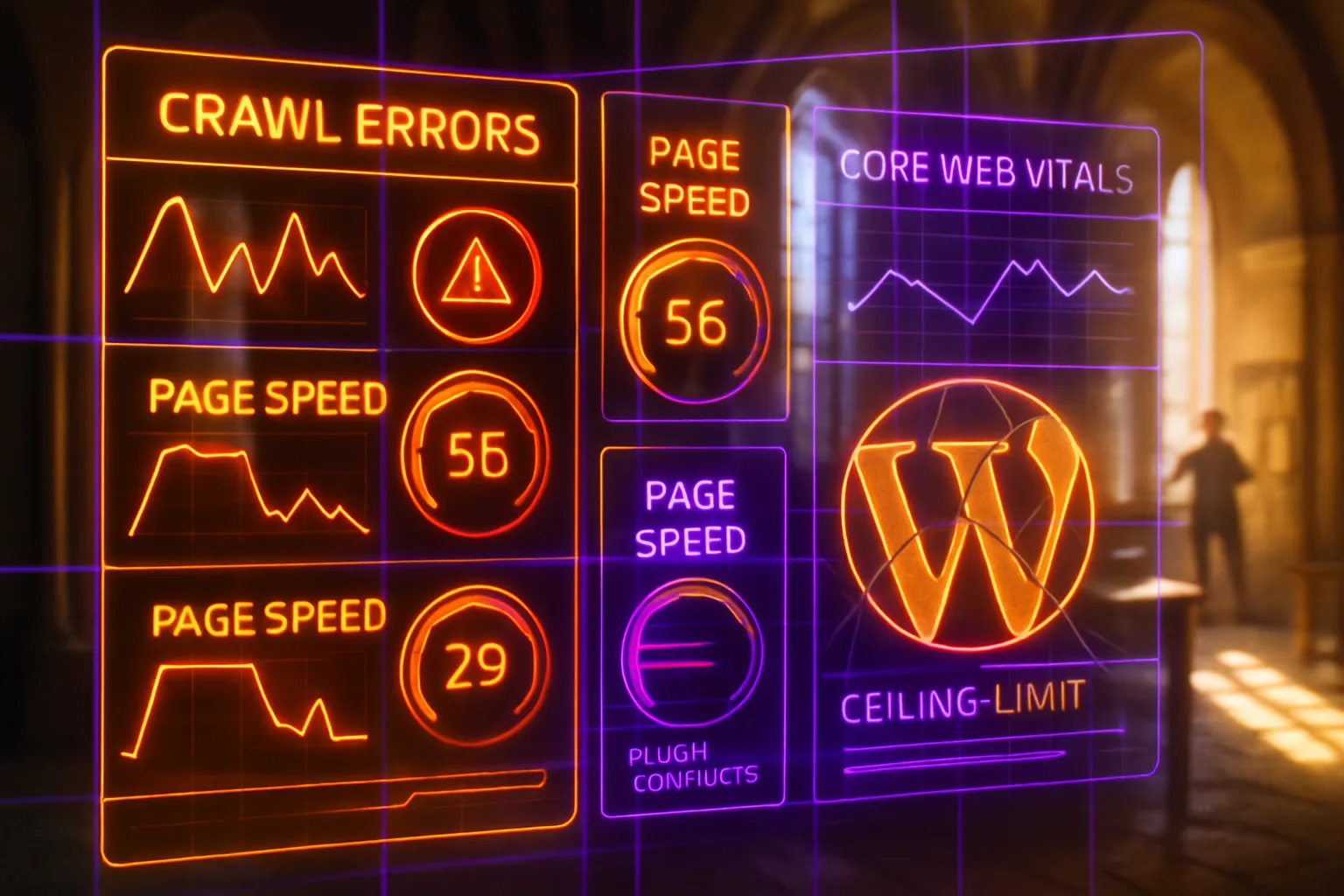
Table of Contents
- What are WordPress SEO problems?
- Key Takeaways
- How plugin stacking slows your site down
- What page builders do to your markup
- The maintenance and security tax
- When WordPress is still the right answer
- Recognising when WordPress SEO problems become the ceiling
- How plugin dependency quietly caps your SEO ceiling
- How theme and code overhead caps your crawl budget
- How security vulnerabilities quietly erode your search rankings
- How update failures quietly drain your search visibility
- Closing Reflection
- Frequently Asked Questions
An accountant in Cape Town watches her own website load on her phone and waits. Four seconds pass before the page settles. The slider jumps, a popup slides in, and the booking button drifts down the screen. Her developer bolted something on for every feature she asked for over three years. Now the site drags, and new enquiries have dried up.
What are WordPress SEO problems?
WordPress SEO problems are the ways your website's platform, rather than your content, pulls you down Google's results. Over time a site picks up plugins (add-ons for features) and page builders (drag-and-drop design tools), and each adds code a phone must download before the page appears. Google measures how fast your pages feel, so a heavy platform pushes you down.
Key Takeaways
- Every plugin you add loads extra code, and your visitor's phone pays the cost before Google measures the page.
- Page builders can multiply the hidden code behind a simple-looking page several times over, and the extra layers slow loading, layout, and every tap.
- WordPress asks for constant updates. Skipped maintenance grows into a security risk, and a hacked site becomes a search risk.
- The platform still suits many businesses, and a lean, well-run install with a short plugin list competes with anything on speed.
- WordPress becomes the ceiling when honest fixes stop working: when pruning, caching, and hosting upgrades no longer move the numbers.

How plugin stacking slows your site down
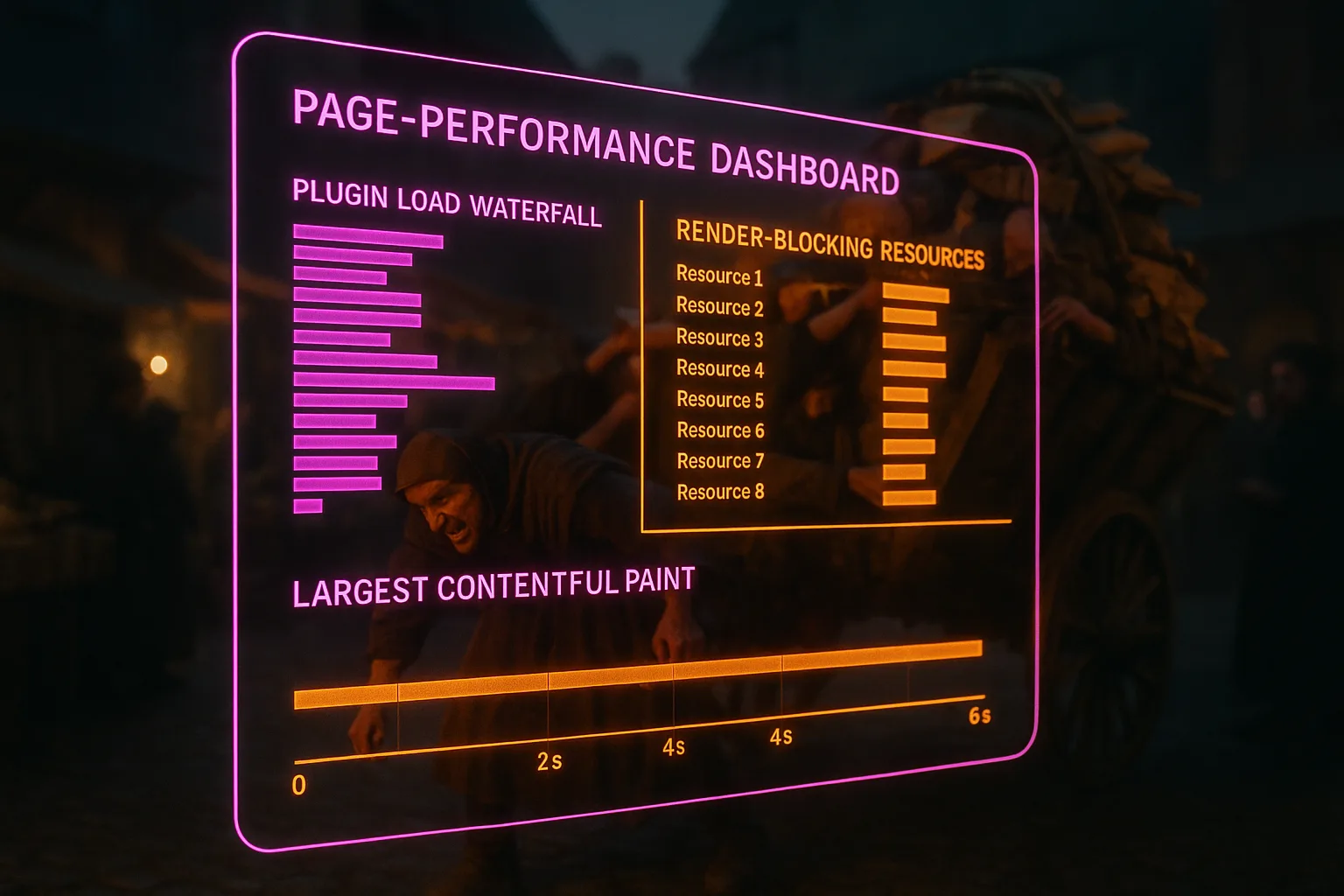
Every active plugin adds its own code to your pages, and the cost compounds. A plugin is a small program added to WordPress to bring a new feature: a contact form, a photo gallery, a social feed. Many plugins load their style and script files on every page of your site, whether the page uses the feature or not. A plumber's site in Durban with 34 active plugins can send a visitor's phone dozens of separate files before the first paragraph appears.
Google measures the result. Its guidance on Core Web Vitals names three signals: how fast the main content appears, how soon the page responds to a tap, and how much the layout shifts while loading. The main content should appear within 2.5 seconds. Twenty light plugins can miss those targets as surely as one heavy plugin, the way twenty passengers slow a minibus. No single culprit.
The sequence is familiar. Owners add plugins one at a time, and each looks harmless on the day it goes in. Nobody orders a slow website. It arrives one plugin at a time, and the fix starts with an audit, not a redesign.
What page builders do to your markup
Page builders let you design without touching code, and they charge for it in code you never see. Markup is the hidden structure describing every element on a page; each heading, image, and column becomes a node in a tree the browser must build before anything appears. A hand-built section with a heading, a paragraph, and a button might use a handful of nodes. The same section from a drag-and-drop builder often wraps each element in layer upon layer of containers, with styling repeated on every one.
The browser feels the difference. Chrome's Lighthouse documentation on DOM size warns when a page passes roughly 800 nodes and flags an error past roughly 1,400, because a large tree slows loading, rendering, and interaction. Builder pages cross those lines with ease. A five-section homepage assembled in a visual builder can carry more structural code than a twenty-page hand-built site.
None of this shows in the editor, which is the trap. The page looks clean on screen while the code beneath it swells. A tidy surface over a swollen tree. Your visitors pay in seconds, Google measures the delay, and your position in the results pays after that.
The maintenance and security tax
WordPress charges a recurring tax: core updates, plugin updates, theme updates, backups. Skip the payments and the debt moves from an admin problem to a search problem. Patchstack's annual vulnerability report counted 11,334 new security flaws across the WordPress world in 2025, and 91 percent of them sat in plugins. The core software recorded six, all low priority. The risk is rarely WordPress; the risk is everything bolted onto it.
The platform's own hardening guide says as much in plain terms: keep everything current, remove plugins you no longer use, and install only from trusted sources. Few small businesses manage all three. A hacked site rarely announces the break-in. Attackers slip spam pages or redirects into the code, and Google often spots them before the owner does. The search results can then start labelling the site as hacked. All of it traceable to one stale plugin.
The tax is also paid in hours and rands. Someone must apply updates, test them, and repair the site when an update breaks the layout. If nobody owns the job, the job doesn't happen, and the debt keeps growing until your search traffic settles the bill.
When WordPress is still the right answer
WordPress still earns its place, and pretending otherwise would be dishonest. Live usage statistics from W3Techs show WordPress running about 41 percent of all websites, and nearly six in ten of the sites where the content management system, the software for editing a site without code, can be identified. That base brings real advantages. Any developer from Johannesburg to Manchester can work on it, hosting costs little, and the publishing tools remain among the best available. A content-led site on a lean theme with a short plugin list can score well on every speed measure Google reads.
The pattern across the sites we audit is consistent: the problem is rarely the platform and usually the install. A florist running twelve plugins on fast hosting has no platform problem. The same florist running fifty plugins on a R99 hosting plan has one, and moving her to a new platform with the same habits would rebuild the problem within a year.
So the honest advice is unglamorous: an audit comes before any migration. If a slow WordPress site can be made fast with pruning and better hosting, the cheapest fix is the one you already own.
Recognising when WordPress SEO problems become the ceiling
The ceiling shows up as a plateau. You compress the images, prune the plugin list, and add caching, which keeps ready-made copies of pages so they load faster. The scores climb. Then stall. The next round of work buys less than the last one did. A logistics firm in Pretoria rebuilds its theme, buys eighteen months of speed, and watches the same slowdown return. When honest optimisation stops moving the numbers, the limit is no longer the install. The limit is the machinery underneath it.
The table below separates the fixable from the structural.
Fixable problems and platform ceilings compared
| Signal | Likely Cause | Verdict |
|---|---|---|
| Fast after a clean-up, slow again by month three | Plugin and update habits | Fixable |
| Speed stalls below target after pruning, caching, and better hosting | Builder markup and platform overhead | Ceiling |
| Every new feature needs another plugin | The platform's add-on model | Ceiling |
| Rankings dip after each round of updates | Update process, not the platform | Fixable |
A ceiling is not an emergency, but it is a boundary, and it rarely stands alone. Where the platform caps your speed, the question joins a wider one: whether your website is the reason your SEO isn't working.

How plugin dependency quietly caps your SEO ceiling
WordPress sites rarely collapse under one bad decision; they erode under the weight of accumulated plugin reliance. Each plugin added to solve a specific SEO gap, whether schema markup, redirects, or Core Web Vitals fixes, introduces a new dependency on third-party code you don't control. Google's guidance on page experience signals confirms render-blocking scripts and slow server response times directly affect ranking, and both are common side-effects of plugins competing for execution priority on the same page load.
The practical consequence is a ceiling that's hard to spot. Your rankings plateau, your audit reports flag the same recurring issues, and fixing one plugin's output breaks another's. The problem isn't any single tool; it's the structural dependency the plugin stack creates over time. Vendors selling "all-in-one SEO suites" won't mention this. Our full breakdown of WordPress plugin dependency maps how this compounding effect works, which plugins carry the highest SEO risk, and what the realistic exit routes look like if your site has already reached that ceiling.
How theme and code overhead caps your crawl budget
WordPress themes ship with far more than most sites ever use. Registered scripts, enqueued stylesheets, block patterns, and widget areas load whether your pages call on them or not, adding unnecessary weight to every response the server sends. Google's crawlers operate under a crawl budget, and bloated pages consume more of it per visit, meaning Googlebot may index fewer of your pages within the same crawl window.
The concrete damage shows in the numbers: a theme bundling a full page-builder framework, three bundled sliders, and redundant font libraries can add several hundred kilobytes to a page before your content team writes a single word. On large sites, that overhead compounds across hundreds of URLs.
What you stand to lose isn't a minor ranking tweak. It's indexed coverage and Core Web Vitals scores working against you simultaneously. Our child article on WordPress bloat and SEO overhead breaks down where the weight accumulates, which theme patterns are worst, and what a leaner alternative architecture looks like in practice.
How security vulnerabilities quietly erode your search rankings
A compromised WordPress site doesn't create a user-safety problem alone; it creates a search-visibility problem outlasting the breach. Google's Safe Browsing system flags sites serving malware or hosting phishing pages, and once a manual action lands in Search Console, organic traffic can drop to near zero within days. The mechanism is well-documented: Google removes or demotes pages it identifies as dangerous, and reinstatement requires a formal review process routinely taking weeks. WordPress's market dominance makes it the primary target for automated vulnerability scanners, meaning outdated plugins, nulled themes, and weak credentials carry a statistically higher exploitation risk than comparable setups on less-targeted platforms. The SEO cost compounds because spammers injecting hidden links or doorway pages into a hacked site can trigger algorithmic penalties persisting even after you've cleaned the infection. If you're running WordPress and treating security as a separate concern from SEO, you're managing one risk while unknowingly accepting another. Our child article on WordPress security vulnerabilities and their SEO cost covers the specific failure points and what they mean for your rankings.
How update failures quietly drain your search visibility
WordPress update failures aren't a minor inconvenience: they're a compounding SEO liability. When a core, theme, or plugin update breaks your site, the immediate cost is obvious. Pages go down, functionality fails, and users leave. The less visible cost is what happens in the hours or days before you notice and fix it. Googlebot doesn't wait. If it crawls broken pages, server errors, or stripped structured data during that window, those signals feed directly into how your site is scored. Google's own crawling guidance confirms server errors encountered repeatedly can cause Googlebot to reduce crawl frequency, making recovery slower than the outage. For sites updating frequently across a large plugin stack, this isn't a rare edge case: it's a predictable pattern. The longer the window between failure and fix, the more crawl budget Googlebot spends on broken responses instead of your working content, compressing your indexed footprint at exactly the moment you'd want it stable. Our full breakdown walks through the failure modes, the ranking signals affected, and what a safer update process looks like.
Closing Reflection
The physiotherapist in Cape Town never chose a slow website. She chose a booking feature, then a gallery, then a review widget, and each choice made sense on the day. That is how a platform problem grows: one reasonable decision at a time, with nobody watching the total. Your site carries its own history, and Google reads all of it on every visit. The question worth sitting with is not whether WordPress is good or bad. It is whether the site you have today can still become the site you need.
You shouldn't have to rebuild your website every two years to keep Google's attention. With Zahavah Studio you won't.
Contact Zahavah Studio to find out whether your platform needs pruning or replacing, and what either path involves.
Frequently Asked Questions
Do too many plugins slow down a WordPress site?
Yes. Every active plugin adds its own code to your pages, and many load their style and script files on every page whether the page uses the feature or not. Google's Core Web Vitals measure how fast the main content appears, how soon the page responds to a tap, and how much the layout shifts while loading. Twenty light plugins can miss those targets as surely as one heavy plugin. The fix starts with an audit, not a redesign.
Are page builders bad for SEO?
Page builders let you design without touching code, but they often wrap each element in layer upon layer of containers. Chrome's Lighthouse documentation warns when a page passes roughly 800 nodes and flags an error past roughly 1,400, because a large tree slows loading, rendering, and interaction. A five-section homepage assembled in a visual builder can carry more structural code than a twenty-page hand-built site, and none of it shows in the editor.
Can a hacked WordPress site lose its Google rankings?
Yes. Attackers slip spam pages or redirects into the code, and Google often spots them before the owner does. The search results can then start labelling the site as hacked, and once a manual action lands in Search Console, organic traffic can drop to near zero within days. Patchstack counted 11,334 new WordPress security flaws in 2025, and 91 percent of them sat in plugins, so keeping everything current protects your search visibility as well as your site.
When should I move my website off WordPress?
Move only when honest optimisation stops working. If compressing images, pruning plugins, adding caching, and upgrading hosting lift your speed scores and then stall below target, the limit is the platform rather than the install. If a clean-up makes the site fast again, you don't have a platform problem. An audit comes before any migration, because moving to a new platform with the same habits would rebuild the problem within a year.

Yvonne van Wyk
SEO Strategist · Zahavah Studio
Yvonne van Wyk runs Zahavah Studio, a Johannesburg SEO agency focused on long-term search visibility and AI citation. Her writing covers local SEO, content strategy, analytics, and the mechanics of how search works.