7 July 2026 · Updated 22 October 2026


Table of Contents
- What is a headless CMS?
- How a headless CMS affects your search rankings
- Headless CMS vs traditional CMS: understanding the core difference
- Headless CMS and e-commerce: what changes for SEO
- How rendering decides what Google reads first
- What to carry across in a headless migration
- Frequently Asked Questions
A Johannesburg law firm spent R180,000 on a WordPress website. Eighteen months later the site scored 34 on Google's PageSpeed test, took four seconds to load on mobile, and was ranking on page three for terms the agency had been targeting since launch.
What is a headless CMS?
A headless CMS separates content management from your website's front end. Your content sits in one system and is delivered through an API to any front end you choose. Done well, it can mean faster pages and more SEO control, but metadata, sitemaps and structured data must be set up deliberately rather than inherited from a theme.
How a headless CMS affects your search rankings
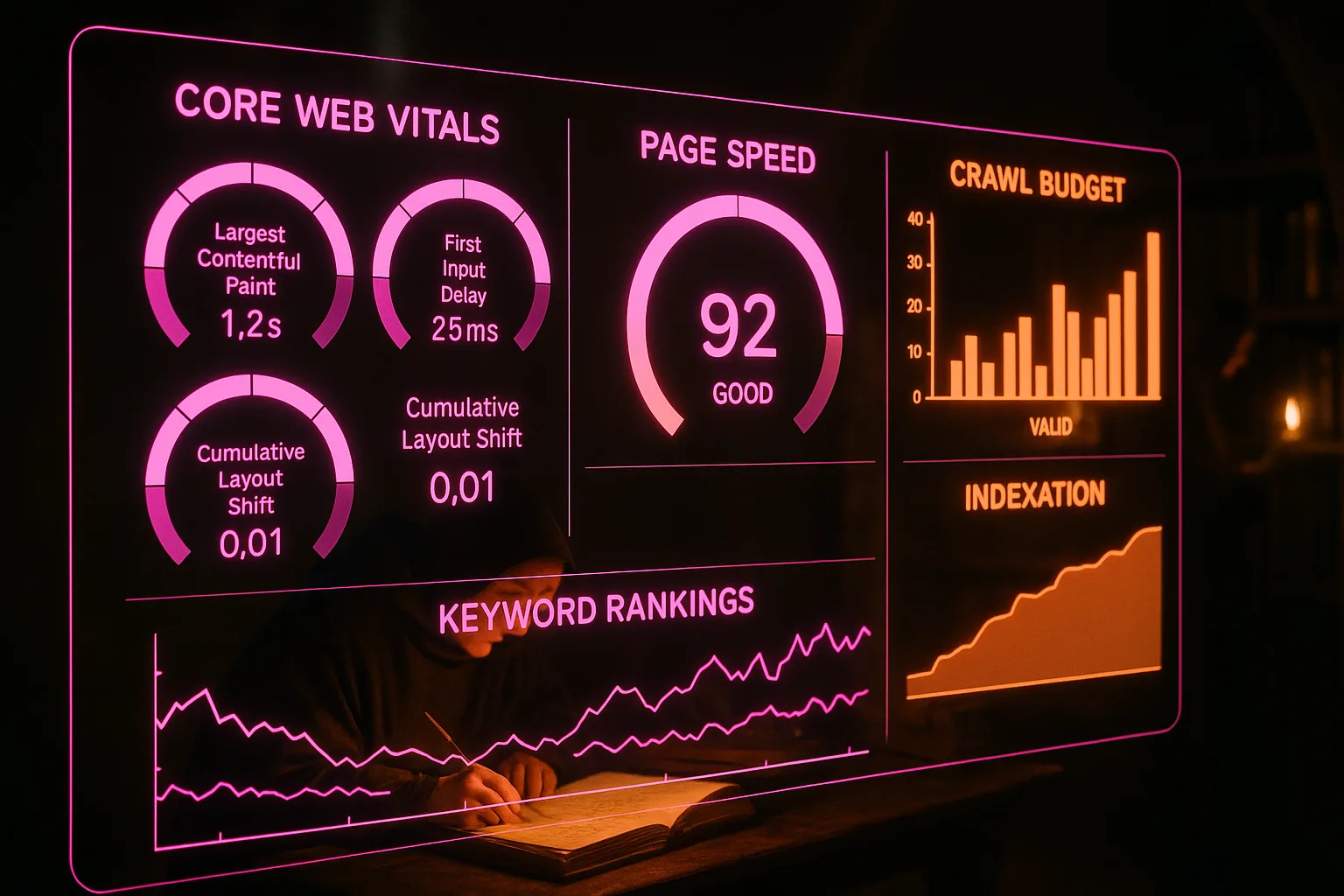
Decoupling your content layer from your presentation layer changes more than page speed: it shifts the entire set of technical conditions search engines use to evaluate your site. Google's crawlers assess structured data, render times, and canonical signals before a single human visitor arrives, so the architectural choices you make in a headless build carry direct ranking consequences. The risk is real. A headless migration done without an SEO audit can leave indexing gaps, orphaned canonical tags, and JavaScript rendering delays suppressing crawl efficiency. Google's own guidance on JavaScript SEO basics documents these failure modes. The implication is uncomfortable: you can invest heavily in a headless build and lose organic traffic because metadata, sitemaps, or structured data weren't ported correctly. The performance gains don't compensate for invisible pages. If you're planning a headless migration or auditing an existing one, our dedicated guide on headless CMS SEO covers the specific technical checks your site needs before and after the switch.
The platform question sits inside a larger pattern: our pillar guide to website SEO performance maps how the site decides what your content can earn.
Headless CMS vs traditional CMS: understanding the core difference

Not every site benefits from decoupling the back end from the front end, and choosing the wrong architecture costs you more than rebuild time. Traditional CMS platforms bundle content management and presentation into one system, which speeds up initial setup but creates a ceiling: your content is tightly bound to a single rendering layer, so expanding to new channels means workarounds rather than clean integrations. A headless CMS removes that ceiling by exposing content through an API, letting your development team pull it into any front end they choose, whether a web app, a mobile experience, or a digital display.
The practical difference shows up in delivery speed, editorial workflow, and long-term maintenance burden. A headless front end can load faster because it isn't waiting on a monolithic template engine to assemble each page, though the gain depends on how it's built and rendered. Before committing to either approach, it's worth mapping your content team's capacity, your channel ambitions, and your developer resource against each model. Our headless CMS comparison works through those factors in detail.
Headless CMS and e-commerce: what changes for SEO
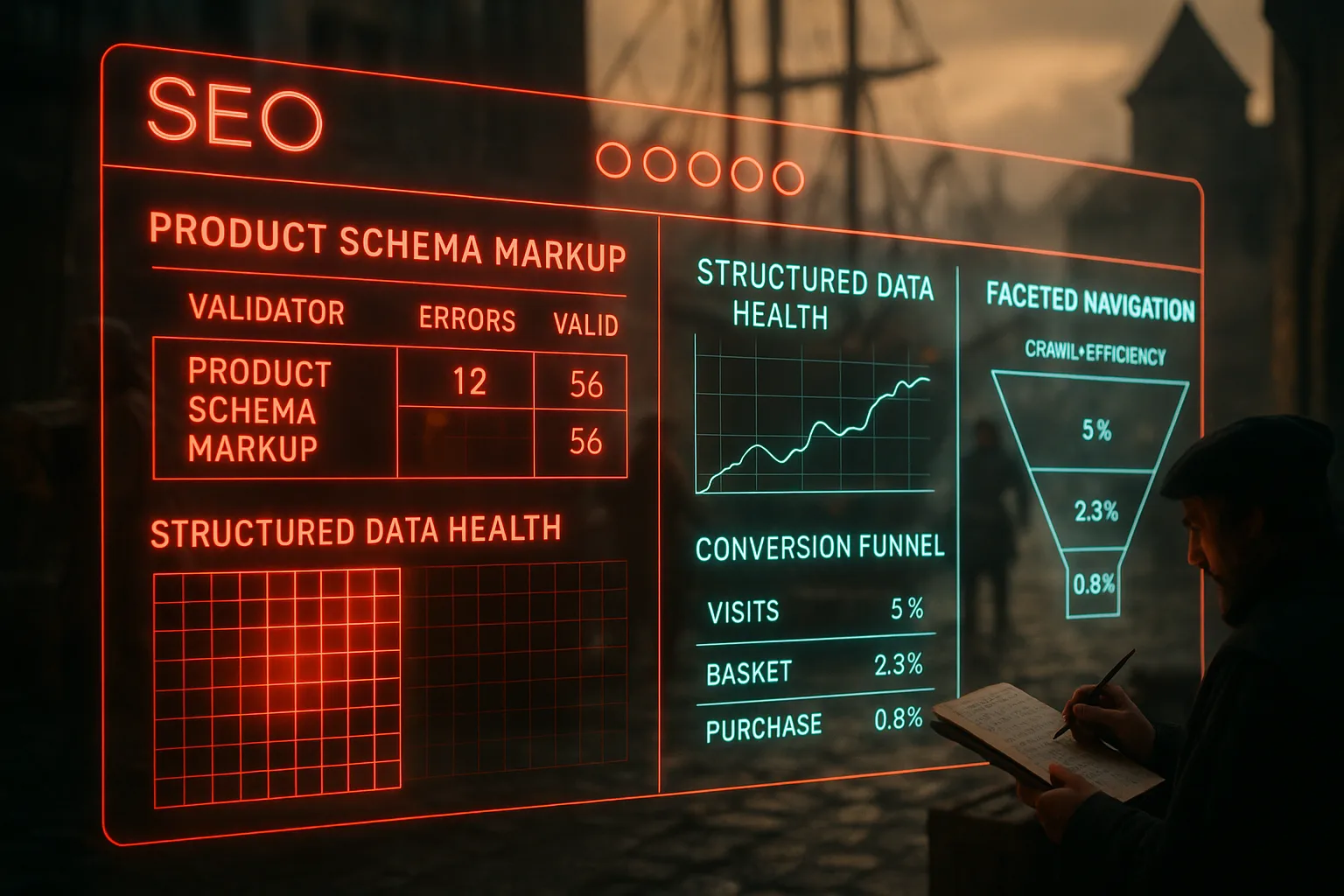
E-commerce sites carry a heavier SEO burden than most: product pages, faceted filters, and dynamic inventory all create conditions where crawl waste and duplicate content compound quickly. A headless CMS doesn't eliminate those risks by default; it shifts where the responsibility for managing them sits. When the front end is decoupled, your development team controls exactly how product data is rendered and delivered, which means canonical tags, structured data, and pagination signals must be implemented deliberately rather than inherited from a theme or plugin. Google's guidance on crawl budget management shows how large sites with poorly managed URL spaces see real indexing delays, and product catalogues are a common source of the problem. The implication is practical: choosing a headless architecture for your store hands you more control, but it also removes the guardrails a traditional platform provides. If your team isn't accounting for those trade-offs at the build stage, you'll surface them in Search Console later. Our breakdown of headless e-commerce SEO covers the specific decisions worth making early.
The stakes climb on a store, so it's worth seeing what headless changes for e-commerce SEO before you commit the catalogue to it.
Going headless doesn't rank you on its own, whatever the pitch deck implies; the real SEO impact of a headless build depends on how the front end is rendered and served.
If you're still weighing the move, headless against a traditional CMS lays out where each one earns its place and where it doesn't.
How rendering decides what Google reads first
The way a headless front end builds its pages decides how much work Google has to do before it can read them. Google processes JavaScript sites in three phases: crawling, rendering and indexing, and it queues pages for both crawling and rendering. A page built entirely in the browser, called client-side rendering, can send Google an HTML file with no real content in it, and the content only appears once the page is rendered.
Google's own JavaScript SEO guidance says server-side rendering or pre-rendering is still a great idea, because it makes your site faster for users and crawlers and not all bots can run JavaScript. It calls dynamic rendering, where a separate version is built for bots, a workaround and not a long-term solution, and recommends server-side rendering, static rendering or hydration instead. If your developers can choose, a Lagos fashion store might render its product pages on the server and keep the browser-built code for the cart, where search has no reason to look.
You can see the difference for yourself. The URL Inspection tool in Search Console shows a screenshot of how Google's inspection tool sees the page, along with the page code it loaded. If the product name, price and description are missing from that view, Google is waiting on rendering to find them, and rendering those pages on the server is the fix Google points to.
What to carry across in a headless migration
A rebuild often changes web addresses, and when it does, Google's site move guidance applies. Google recommends server-side permanent redirects, such as 301 or 308, from each old address straight to its new one without chains. It says these redirects don't cause a loss in PageRank, and advises keeping them for at least a year. It also suggests submitting a new sitemap and watching the site in Search Console while Google works through the move.
Before launch, check these on the new front end:
- a unique title element and meta description on every page
- a canonical tag pointing to the right version of each page
- links built as real `<a>` elements with an `href`, which Google says it generally needs to crawl them
- structured data carried across from the old templates
- a permanent redirect for every URL that changes
The old theme handled some of this without asking you. The new front end only does what your developers build into it, so this list is the gap between a faster site and a faster site nobody finds.
You shouldn't have to lose organic traffic to a rebuild meant to make your site faster. With Zahavah Studio you won't.
Contact Zahavah Studio to check your headless build's SEO set-up before and after the switch.
Frequently Asked Questions
What is the difference between a headless CMS and a traditional CMS?
A traditional CMS bundles content management and presentation into one system. That speeds up the first set-up, but it ties your content to a single rendering layer, so adding new channels means workarounds rather than clean integrations. A headless CMS exposes your content through an API instead, so your development team can pull it into any front end, whether a web app, a mobile experience or a digital display. A headless build can load faster, but the speed depends on how the front end is built and rendered.
Is a headless CMS better for SEO?
Not on its own. A headless build can deliver faster pages, but its SEO impact depends on how the front end is rendered and served. Moving to headless without auditing your SEO set-up can leave indexing gaps, orphaned canonical tags and JavaScript rendering delays. If metadata, sitemaps or structured data aren't carried across correctly, you can lose organic traffic, and the speed gains won't make up for pages search engines can't see.
Should an online store use a headless CMS?
It can, but it shifts responsibility rather than removing risk. Product pages, faceted filters and changing inventory already create crawl waste and duplicate content. With a decoupled front end, your developers control how product data is rendered, so canonical tags, structured data and pagination signals have to be built in deliberately instead of inherited from a theme or plugin. You gain control but lose the guardrails a traditional platform gives you, so plan for it at the build stage.
What should you check before moving to a headless CMS?
Start by mapping your content team's capacity, your channel ambitions and your developer resources against each model, because not every site benefits from decoupling and the wrong choice costs more than rebuild time. Then audit the SEO set-up: make sure metadata, sitemaps, canonical tags and structured data are carried across correctly, and that JavaScript rendering doesn't hold up Google's crawlers. Checking these before and after the switch protects the organic traffic you already have.

Yvonne van Wyk
SEO Strategist · Zahavah Studio
Yvonne van Wyk runs Zahavah Studio, a Johannesburg SEO agency focused on long-term search visibility and AI citation. Her writing covers local SEO, content strategy, analytics, and the mechanics of how search works.
Everything on this blog is written to help you understand SEO, content strategy, and digital marketing. It is for information only. Nothing here is professional legal, financial, or technical advice. SEO results depend on your industry, your competition, and how search engines change over time. If you are making a significant business decision, speak to a qualified professional first. Zahavah Studio works hard to keep this content accurate and current, but is not liable for decisions made based on what you read here.