6 August 2026 · Updated 21 October 2026

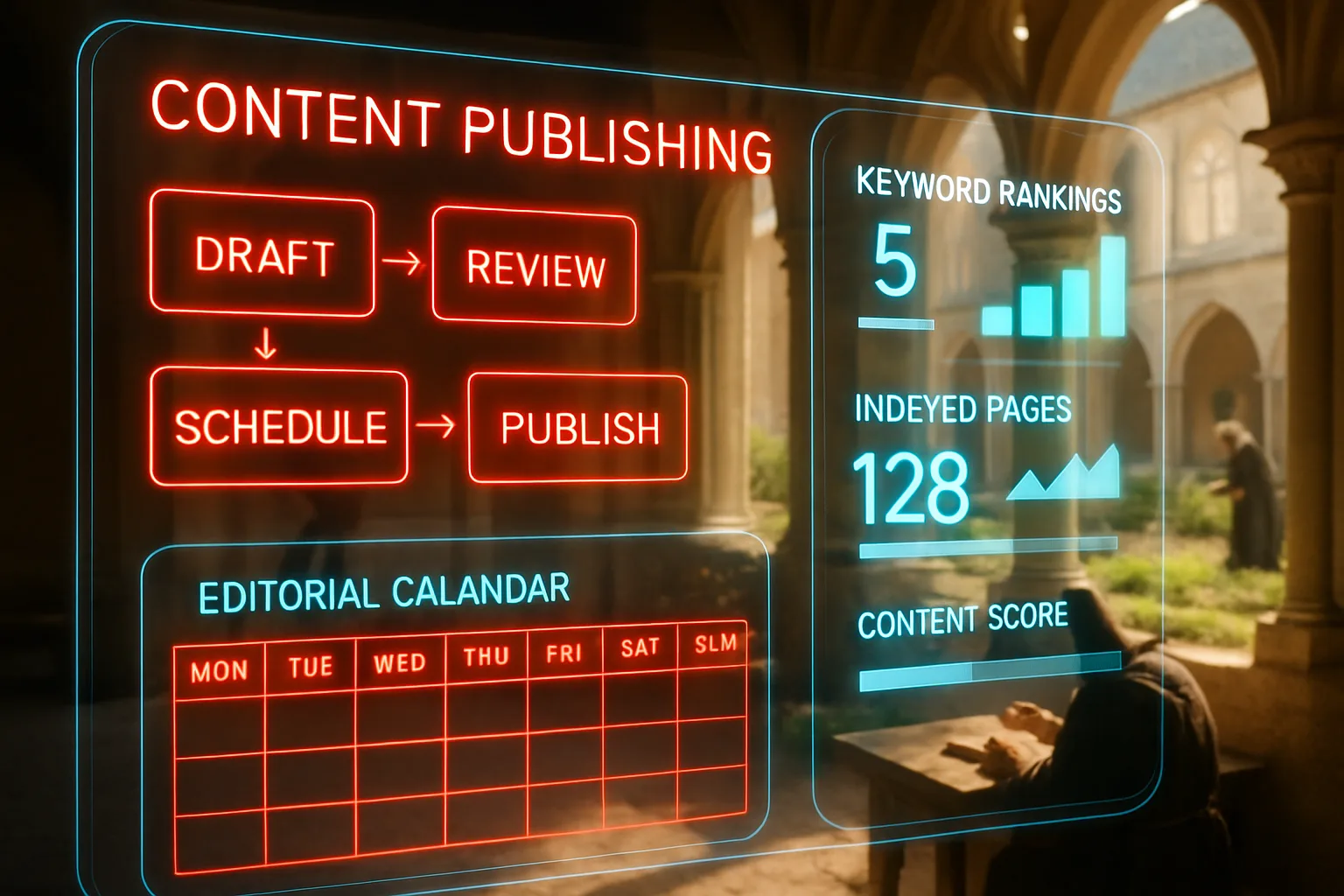
Table of Contents
- What is a content publishing workflow?
- Key Takeaways
- Publishing cadence: why consistency outranks bursts
- Structured content vs page-built pages
- The content publishing workflow from draft to live
- How your CMS decides what is possible
- Measuring whether published content performs
- When published content starts losing ground
- SEO content templates give your pages a fighting chance before you write
- Editorial workflow keeps your publishing strategy honest
- Content models give your SEO structure before a word is written
- Closing Reflection
- Frequently Asked Questions
A Dietitian in Durban scrolls to page four of Google and still can't find her own article. She published it eight months ago, and it was good work. Eleven more finished pieces sit on her laptop, read by nobody. A competitor down the road publishes every Thursday and appears above her for every search she tries. She writes better than they do, and it has changed nothing.
What is a content publishing workflow?
A content publishing workflow is the route a piece of writing follows from first draft to live page: writing, review, formatting, the details search engines read, and publishing, repeated on a schedule. It decides how often new pages appear, what shape they arrive in, and whether anything gets checked, so it decides what Google sees of your work.
Key Takeaways
- A steady publishing rhythm gives Google more reason to revisit your site than occasional bursts of articles followed by months of silence.
- Structured content (writing stored as labelled data, not as a designed page) is easier for search engines to read and reuse.
- Every article needs the same checks before going live: review, page details for search, and links to related pages on your own site.
- Your CMS, the software your site runs on, sets the limits of what your publishing can do, from drafts to scheduling.
- Clicks and enquiries show whether published work performs; a growing page count shows nothing on its own.
Publishing cadence: why consistency outranks bursts
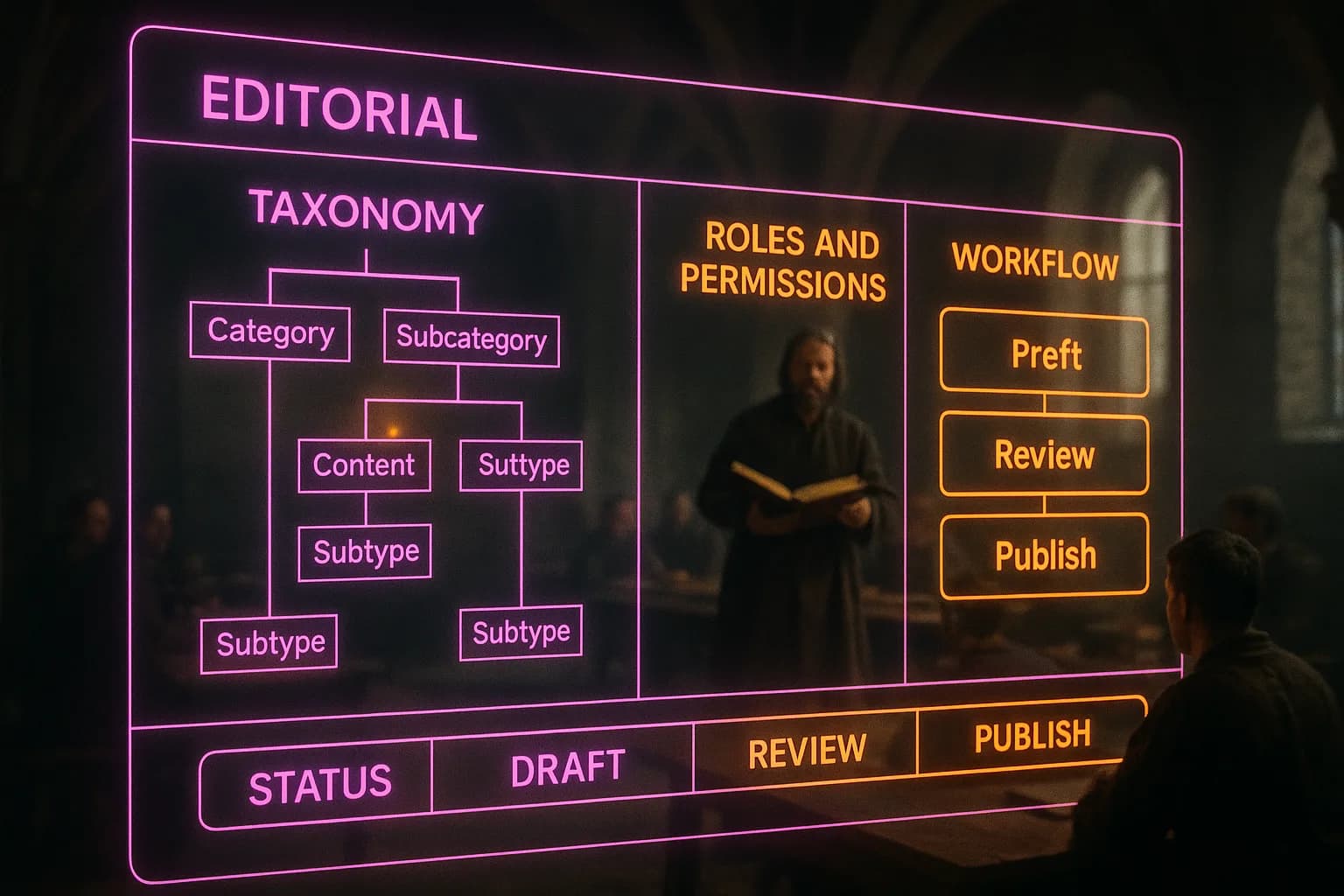
Fifty-two articles published one a week tend to earn more visits than fifty-two published in a single month. The pattern comes from how Google finds work. Google discovers pages by crawling, sending software to read your site the way a visitor would, and it tends to return more often to sites showing steady change. A site silent for months, then flooded with new pages, then silent again gives Google no rhythm to learn. A site adding one useful page a week does. It works like a bakery: open every morning at seven and people keep checking, open at random hours and they stop.
Some agencies sell bulk content drops as a shortcut: forty pages in one week, then nothing for a year. Google's own helpful content standards warn against producing lots of content in the hope some of it performs, and a burst is the pattern the warning describes. Regular website updates also keep older pages earning, because a site revisited often gets its fixes noticed sooner. Cadence is a publishing decision, not a writing habit. Choose a pace you can keep for a year. Not a fortnight.
Structured content vs page-built pages
How your articles are stored decides how easily they can be found, fixed, and reused. Structured content stores each article as labelled parts: a title, a summary, a body, an image, a date. Page building stores it as one designed page, the words and the layout glued together. The difference shows the day something needs changing. A Johannesburg firm with ninety page-built posts wanting a new author line under each article faces ninety separate edits, one page at a time. A site running on structured content changes the template once, and every article follows.
WordPress moved in this direction with its block editor, where paragraphs, headings, and images sit as separate blocks rather than one lump of code. Search engines get the same benefit you do. A page made of labelled parts is easier for Google to read, and easier for AI answer engines to quote, because each part says what it is. Pages built by hand can look beautiful to people and read like mud to machines. If the writing needs to keep working for years, store it as data, not as decoration.
The content publishing workflow from draft to live
A finished draft still has a road to travel, and most rankings leak away on it. The route is short and always the same. Review comes first: facts checked, spelling corrected, promises toned down. Metadata comes next, the page title and short description Google shows in its results; leave them empty and Google writes its own. Internal links come last, links from the new article to related pages on your site and from older pages back to it, so the new page isn't an island. Then publish.
Behind the button, Google's documentation on the Search documentation describes three stages. Crawling finds the page, indexing stores it in Google's huge list of known pages, and serving shows it for a search. Not every page makes it through, and Google says so plainly. A page published without metadata or internal links gives the index less to store and the results page less to show. The workflow isn't talent; it is a checklist run the same way on every article. The businesses appearing week after week are the ones running it.
How your CMS decides what is possible
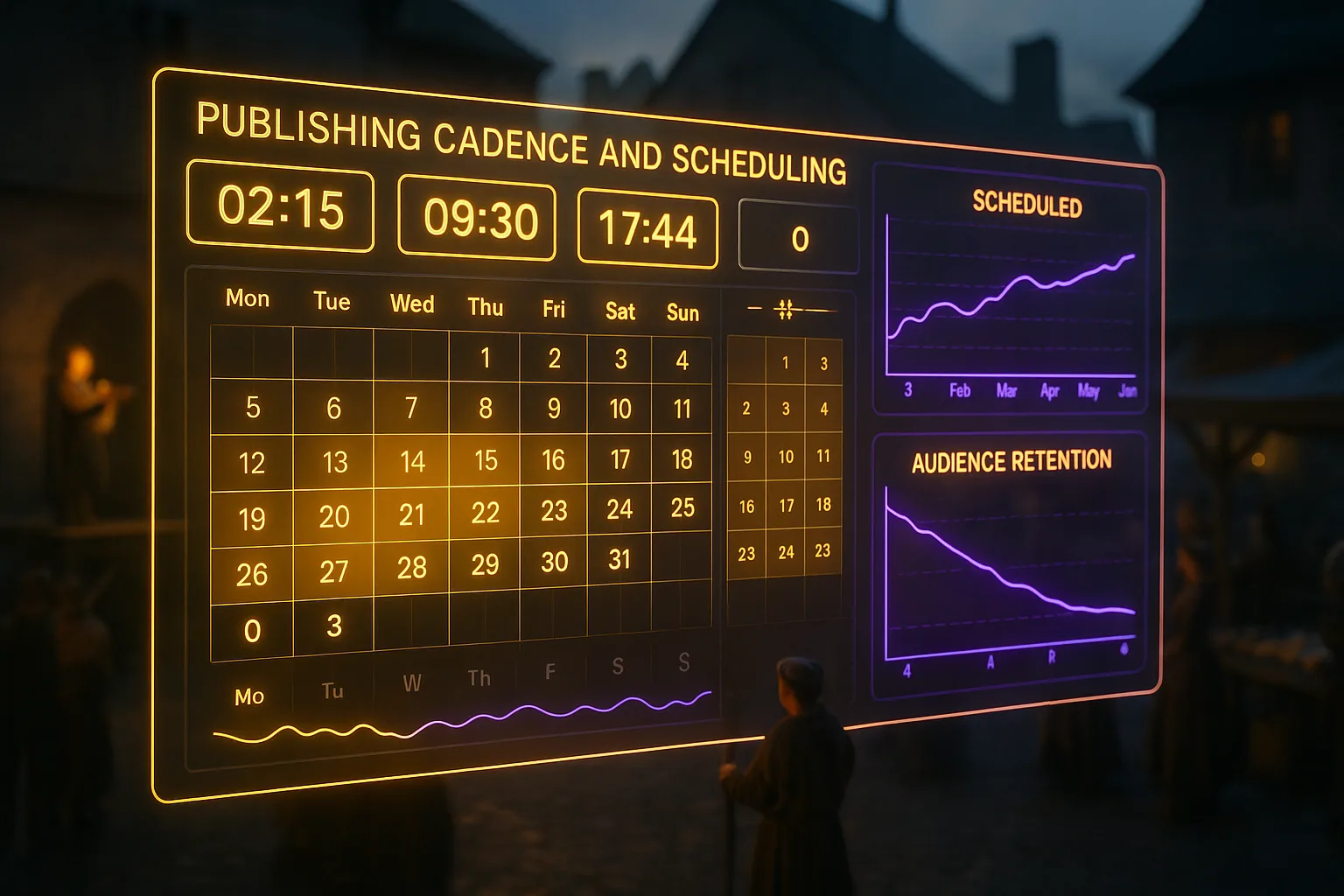
Your CMS sets the ceiling on your publishing before a word gets written. A CMS, or content management system, is the software where your website's pages are created, stored, and published; WordPress is the most widely used. Its features shape the workflow at every step. A CMS without scheduling works like a shop where only the owner has keys: nothing opens unless one person is standing there. A CMS without a draft stage sends every typo straight to the live site. A Cape Town retailer paying a developer for each new page publishes four times a year, because every page costs money and a week of waiting.
The same retailer on a system with scheduled publishing queues a month of articles on a Monday and lets the calendar press the button. From there, automated content publishing becomes possible, where drafts, checks, and publish dates run without anyone at a desk. The pattern is one more chapter in the story of your website and SEO: the tooling, not the effort, sets the limit. When publishing feels heavy on your site, the writing is rarely the problem. The software usually is.
Measuring whether published content performs
Publishing is finished when you know what the page did, not when the page goes live. Google Search Console, Google's free reporting tool, shows the outcome in its Performance report. The report counts clicks, impressions (the number of times your site appeared in results), average position, and the percentage of people who saw your listing and clicked. An accountant in Pretoria publishing twelve articles over six months can see which three bring visitors and which nine sit unseen. Without the report, all twelve look the same, and the next six months repeat the same nine mistakes.
A growing archive feels like progress, but an archive isn't a result, and a page count has never phoned anyone. The numbers say what to do next. Pages earning impressions but few clicks need better titles. Pages sliding down the results after a year need refreshing, because readers notice stale information and the results tend to follow them. Measurement closes the loop: last month's numbers choose next month's topics and name the older pages worth updating. A workflow without this step publishes blind. Twelve articles, no lesson.

When published content starts losing ground
Rankings aren't permanent. A page earning strong positions today can slip over months as competitors publish fresher material, search intent shifts, or the facts inside your content go stale. Google has stated openly it uses content freshness as a ranking signal for queries where recency matters, meaning an old post left untouched is actively competing at a disadvantage. The consequence isn't lower rankings alone: it's losing traffic you already earned and paid, in time or money, to acquire.
Refreshing old content addresses this directly. Rather than publishing new pages from scratch, you audit what you already have, identify the pieces with residual authority, and update them with accurate information, stronger internal links, and tighter alignment to current search intent. The return on that effort tends to outpace what a brand-new article delivers in the same timeframe, because the page already has age and backlinks working in its favour. Marketers who celebrate publishing volume while ignoring their existing archive are, in effect, leaving compounding assets to rot.
Our guide to refreshing old content to recover and grow rankings walks through exactly how to prioritise and execute that process.
SEO content templates give your pages a fighting chance before you write
Most ranking problems are structural, not stylistic. A page failing to appear in search results often lacks the heading hierarchy, semantic grouping, or keyword placement search engines need to categorise it accurately, and no amount of rewriting fixes a broken foundation. Google's own guidance on how it understands page structure confirms that clear document organisation shapes how content is indexed, not only how readers experience it.
SEO content templates address this by defining the architecture of a page before a single sentence is written. Rather than retrofitting structure onto finished copy, a template specifies heading levels, the intent each section must satisfy, and the placement of primary and supporting terms. The pages you publish through this method enter indexing with their purpose already legible to crawlers.
If your current process produces polished writing sitting inside structurally ambiguous pages, traffic won't follow, regardless of how good the prose is. Our guide to SEO content templates walks through how to build and apply them before you open a blank document.
Editorial workflow keeps your publishing strategy honest
A content calendar without a repeatable editorial process behind it is a wish list, not a plan. Google's own guidance on how crawlers discover and index content confirms consistent publishing signals help Googlebot build accurate crawl schedules for your site; irregular output breaks that rhythm and delays indexation. The practical consequence is predictable: content you worked hard to produce sits unindexed for longer than it should, accumulating no ranking value while your production costs have already been paid.
An editorial workflow for SEO closes that gap by assigning ownership, setting publication dates, and building in an optimisation review before any page goes live. It's the difference between publishing reactively, when someone finds time, and publishing to a schedule your audience and search engines can anticipate. Our guide to editorial workflow for SEO breaks the full process into repeatable stages, so your team can plan, draft, review, and publish without losing momentum between pieces.
Content models give your SEO structure before a word is written
Most publishing problems don't start in the editor; they start earlier, when no one has agreed on what a piece of content is. A content model defines the fields, relationships, and rules governing each content type on your site: a blog post isn't a title and a body, it's a schema of attributes determining how your CMS stores, renders, and exposes content to search engines. Google's own guidance on structured data makes clear machines read your content differently depending on how it's organised at a structural level, not only a surface one. Without that structure, you'll find yourself retrofitting metadata, patching canonical logic, and wondering why pages covering the same topic compete against each other. The consequence is wasted publishing effort: good writing buried under poor architecture. Our deeper guide on content modelling for SEO walks through how to define content types, assign attributes systematically, and build a model your CMS and search engines can both work with.
Closing Reflection
The physiotherapist in Durban never had a writing problem. The eleven finished pieces on her laptop are proof of the work; the empty results page is proof of the route. Somewhere between her keyboard and Google, the writing stopped travelling, and writing harder wouldn't have changed it. Her competitor down the road probably isn't a better writer. They have a Thursday. A slot, a checklist, a button pressed on time, week after week. The distance between the two practices was never talent. It was a route to the page.
You shouldn't have to watch finished writing sit in a folder while thinner articles rank above you. With Zahavah Studio you won't.
Contact Zahavah Studio to build a publishing workflow carrying your writing from draft to live, week after week.
Frequently Asked Questions
How often should a business publish blog content for SEO?
A steady rhythm works better than bursts. Google discovers pages by crawling, and it tends to return more often to sites showing steady change. Fifty-two articles published one a week tend to earn more visits than fifty-two published in a single month, and Google's helpful content standards warn against mass-producing pages in the hope some perform. Choose a pace you can keep for a year, such as one useful page a week.
What should you check before publishing a blog post?
Run the same three checks on every article. First, review it: check the facts, correct the spelling and tone down any promises. Second, add the metadata, the page title and short description Google shows in its results; leave them empty and Google writes its own. Third, add internal links from the new article to related pages on your site, and from older pages back to it, so the new page isn't an island.
How do you know if your published content is performing?
Use the Performance report in Google Search Console, Google's free reporting tool. It shows clicks, impressions, average position and the percentage of people who saw your listing and clicked. Pages earning impressions but few clicks usually need better titles. Pages sliding down the results after a year need refreshing. Last month's numbers should choose next month's topics and point to the older pages worth updating.
Does your CMS affect how well your content ranks?
Yes. Your CMS, the software your site runs on, sets the limits of your publishing. Without scheduling, nothing goes live unless one person is there to press the button; without a draft stage, every typo reaches the live site. How the CMS stores content also counts: structured content, stored as labelled parts such as title, summary and body, is easier for Google to read and for AI answer engines to quote.
Yvonne van Wyk
SEO Strategist · Zahavah Studio
Yvonne van Wyk runs Zahavah Studio, a Johannesburg SEO agency focused on long-term search visibility and AI citation. Her writing covers local SEO, content strategy, analytics, and the mechanics of how search works.